LOCAL KNOWLEDGE / MALAYSIA
List Your Business in Malaysia: Prepare a Profile Customers Can Use
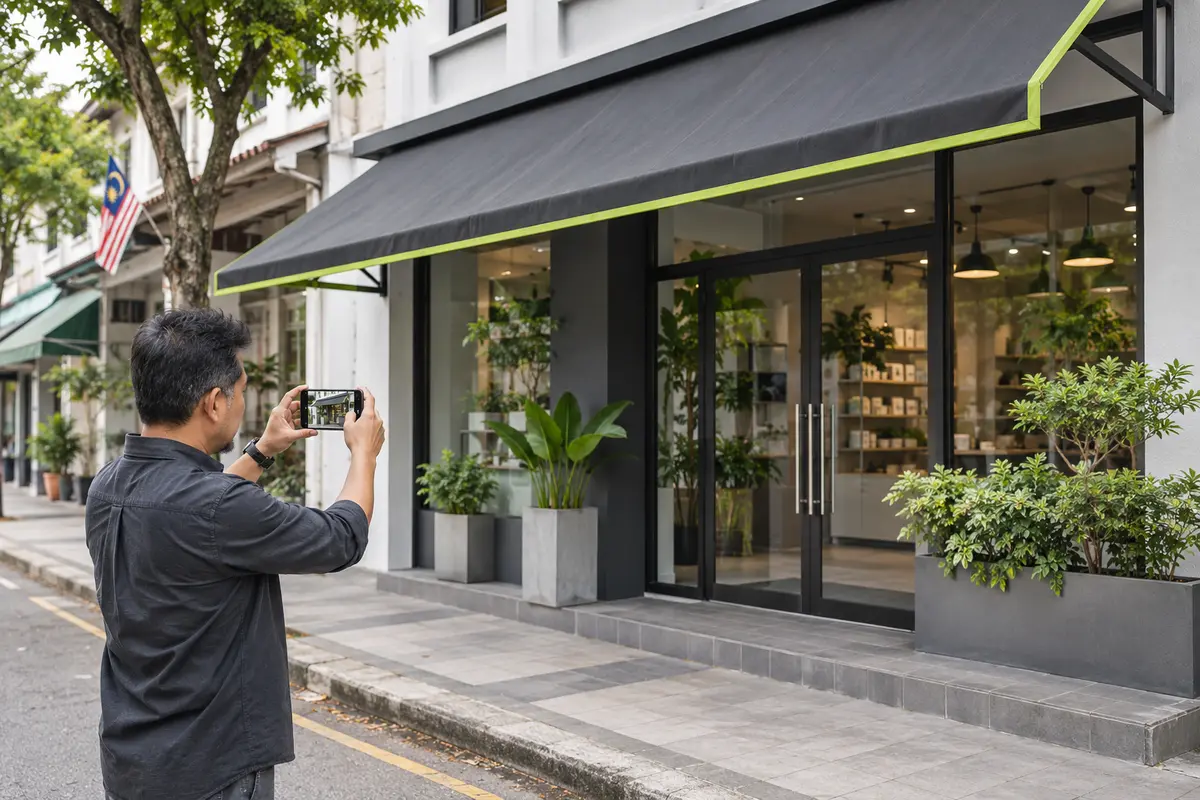
A business listing works best when it answers the questions a potential customer has before contacting you. What do you do? Where can customers find you? Which details should they include in an enquiry? Preparing those answers first makes it easier to create a clear, useful profile.
If you plan to list your business in Malaysia through MYNiaga, begin with your business information and review the current membership process. A directory profile supports discovery; it does not guarantee enquiries, sales or a particular search position.
Explain your main service in plain language
Start with the service or product category that best represents the business. Follow it with the types of requests you can actually handle. “Solutions for everyone” tells readers very little. A description of the work, the customer situation and the relevant location gives them something concrete to assess.
Use terms customers would recognise, but avoid adding unrelated services simply because they might attract searches. If a capability is conditional, explain what needs to be checked. A profile should help readers decide whether to enquire, not imply that every request can be accepted.
Gather consistent contact and location details
Prepare your business name, public contact details, address and opening hours. Check that someone can respond through the contact methods you intend to publish. An old phone number or an unmonitored inbox can make an otherwise useful listing difficult to act on.
Distinguish your premises from your service area. If customers visit by appointment, explain that clearly. If you travel to customers or deliver products, describe only the locations and arrangements the business can support. Confirm these details internally before entering them into a public profile.
Choose photos that explain the business
Useful images can show premises, products or examples of work that the business is entitled to publish. Select images that help a reader understand what they are looking at. Keep any description accurate about what the photograph represents.
Check for private information before using a photo. Avoid publishing customer contact details, order documents or identifiable people without appropriate permission. If an image shows a past project, do not imply that the pictured product or appointment is currently available unless that is true.
Make the description easy to scan
A practical structure is a short introduction, a focused explanation of services and a clear next step. Include details that help a customer frame an enquiry: the type of work, relevant location information and the facts you need before discussing availability or a quotation.
For example, a service provider might ask customers to explain the job and location. A supplier might need a specification and intended quantity. Use requirements that fit your actual business rather than copying another listing.
Check the current membership steps
The MYNiaga membership page explains the owner journey: sign up or log in, choose an available package, complete payment and verify email and mobile details before accessing the business tools. Review the live plan details for current prices, periods and allowances; do not rely on an old screenshot or another business’s package.
Have the person managing the listing review the information before publication. Confirm how future updates will be handled when opening hours, contact details or services change.
Prepare once, then keep the profile useful
A complete first draft reduces avoidable corrections, but a profile still needs maintenance. Recheck it when the business changes and make sure the public details remain accurate.
Start with Add your business, and use the business-profile guide as a compact checklist. Clear, current information gives prospective customers a better basis for getting in touch.